


The original Ivy Generator plugin for Cinema 4D was, for a long time, the way you grew ivy on 3D geometry. It was also abandoned. Development stopped, and as Cinema 4D moved on, an entire generation of artists was left with scenes they could no longer regrow and a workflow with no obvious replacement.
Ivy Grower Studio is that replacement. It runs in your browser, needs no Cinema 4D, and exports to every DCC you already use.
Why a browser app instead of a plugin
Plugins die. They die when the host application changes its SDK, when the developer moves on, or when the version you paid for stops compiling against the release you just installed. Anyone who used the original ivy plugin has lived through exactly that.
A browser tool has no host application to break against. There is nothing to install, nothing to recompile for the next Cinema 4D release, and nothing to configure. Your geometry never leaves your machine, and once your key is activated the app works offline.
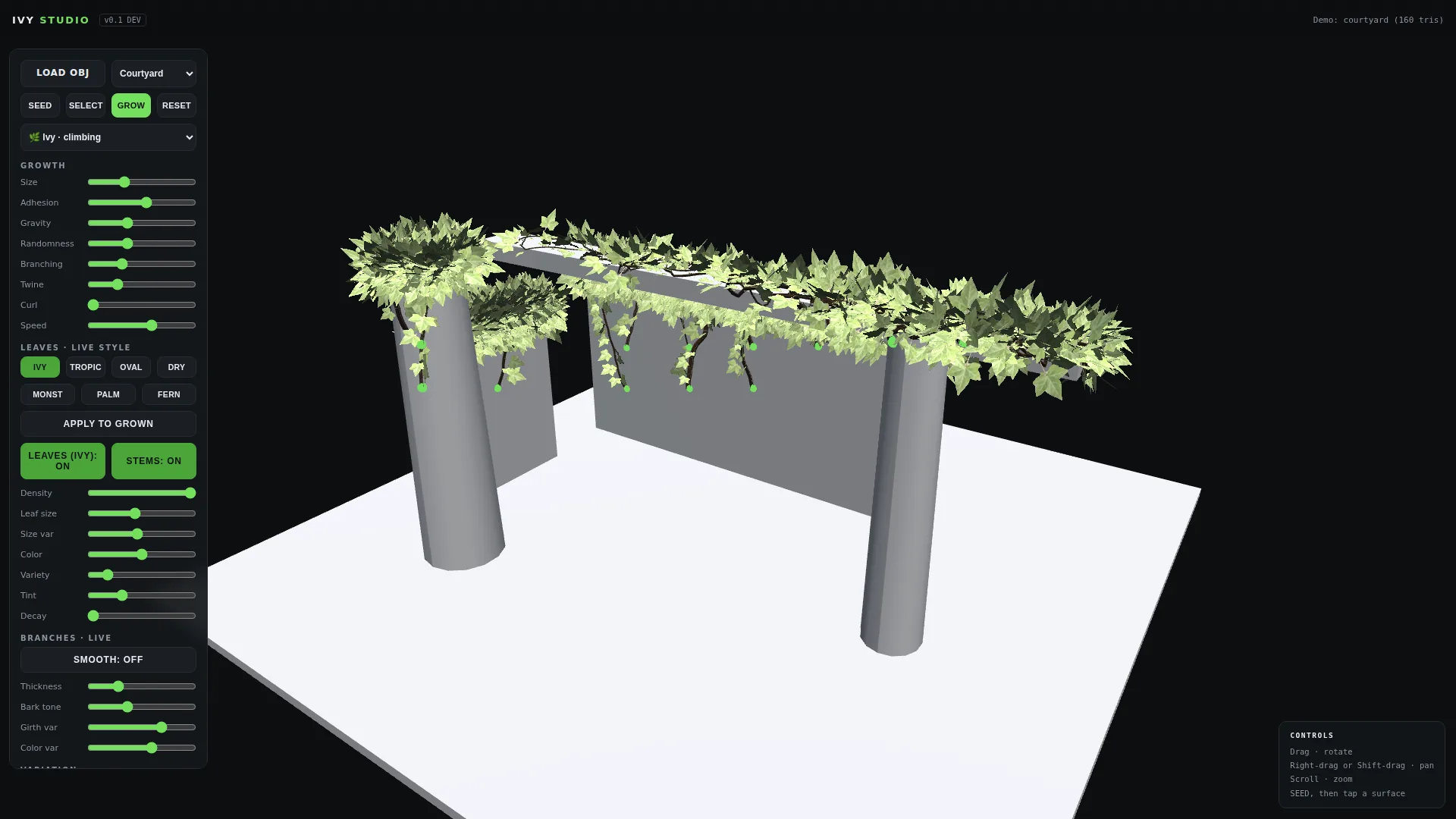
Four plants, four behaviours
Growth is not one algorithm with different leaves bolted on. Each plant type moves differently.
- Ivy is the classic climber. It hugs surfaces, wraps corners and roots as it goes.
- Jungle drops hanging vines from branches and ledges, rooting where they land.
- Vine spans open air point to point: wires, pergolas, ropes strung between walls.
- Liana twists strands around each other into thick braided cords.
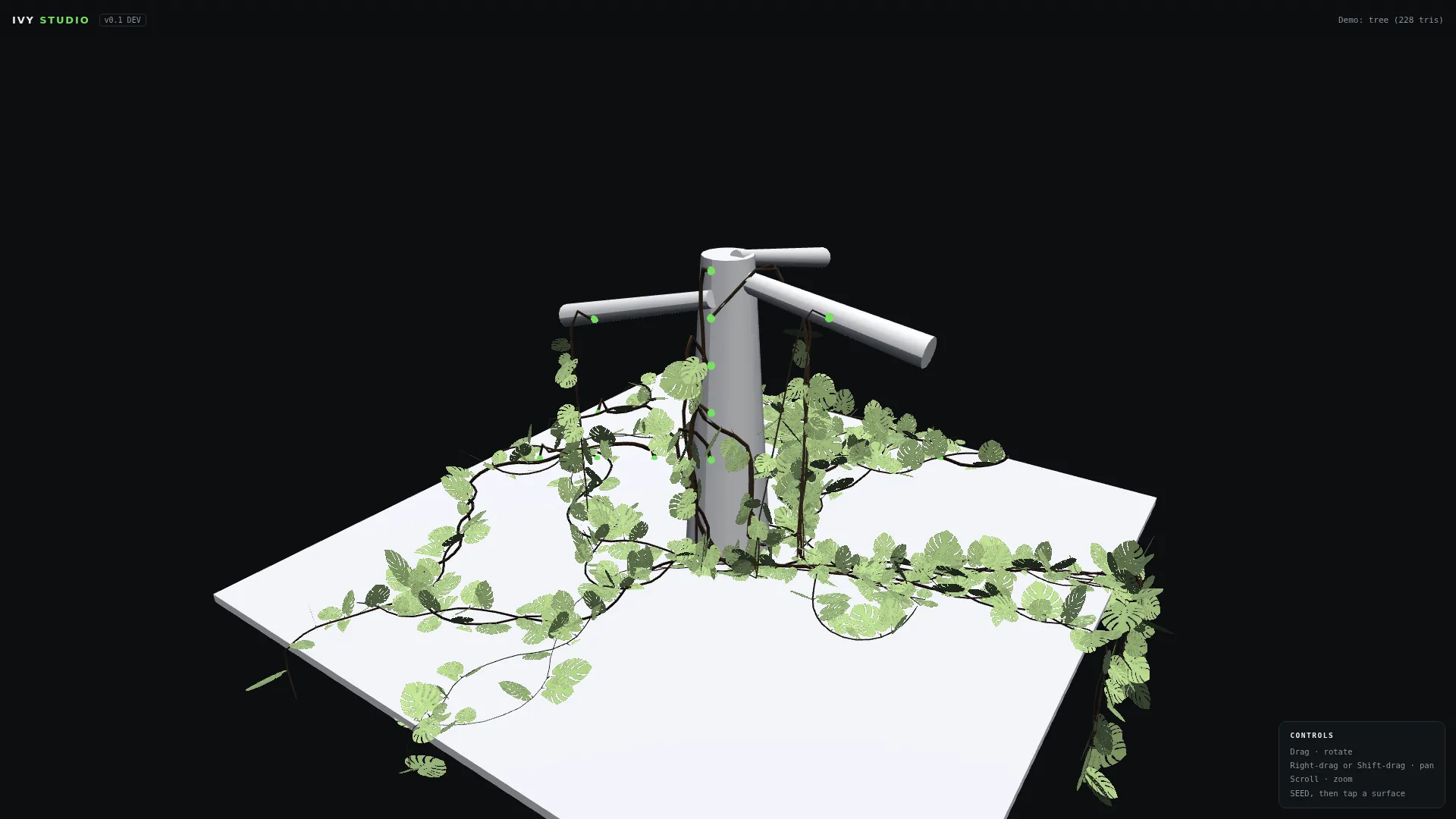
Tangle: plants that react to each other
Real vines do not grow in isolation. They catch on their neighbours and coil around them, and that interaction is most of what makes overgrowth read as real rather than as scattered geometry.
Tangle is a single slider. At zero, plants ignore each other. At default, strands occasionally catch a crossing vine and wrap around it before continuing. Pushed up, plants actively find each other and weave into dense organic knots. It is real geometry, not a shader effect, so it survives export and renders correctly in any engine.

Seven leaf species, all real geometry
English ivy, tropical, oval, dry autumn, monstera, palm and fern. Every leaf is bent geometry with natural curl and cupping rather than a flat card, which is what lets them hold up in close shots where cards fall apart. Leaf size, density, decay, colour and variation are live sliders, and they work per plant: select one plant in the scene and retune only that one while its neighbours keep their look.
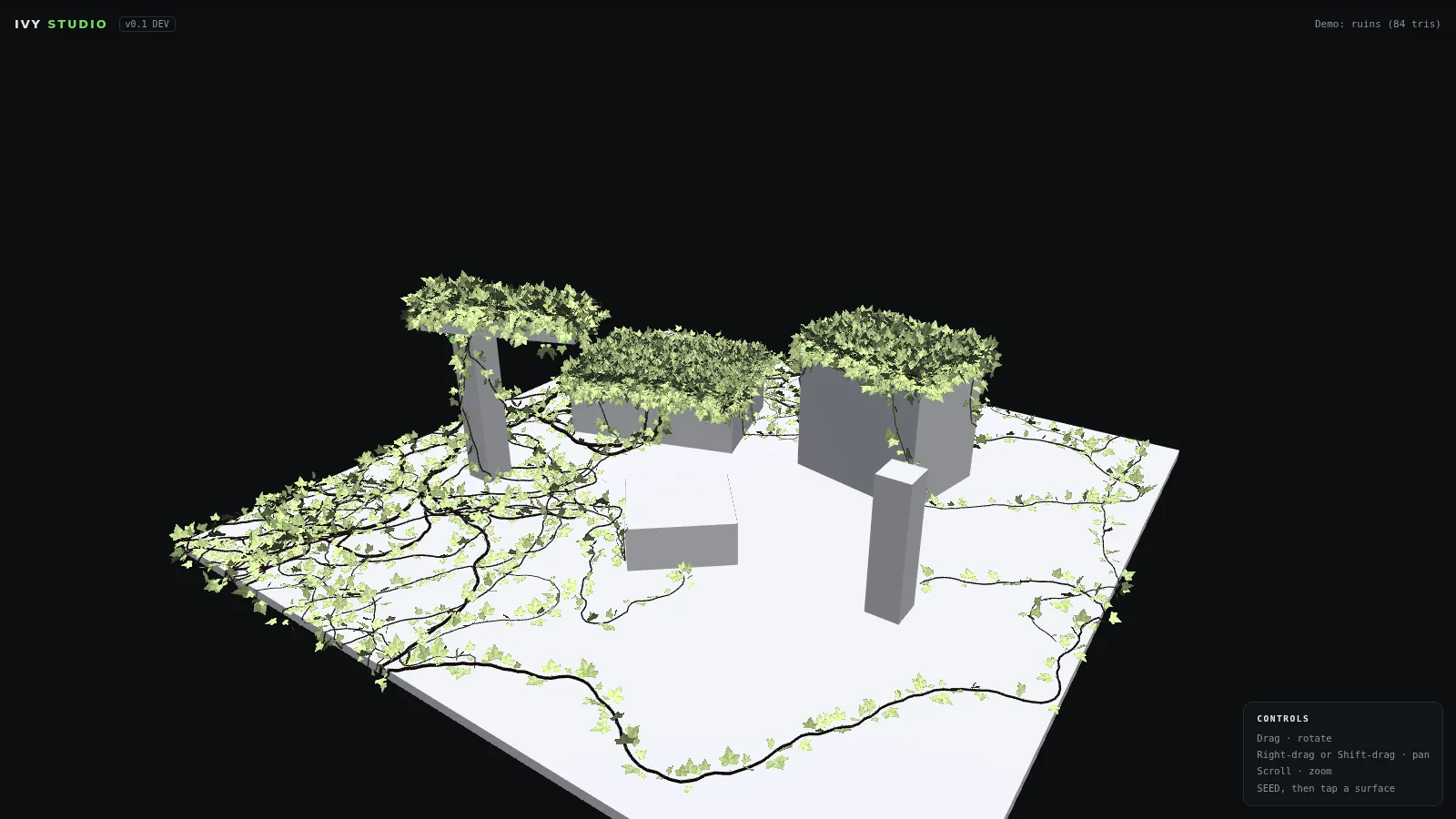
Export: OBJ and GLB
One click gives you OBJ, with a mesh per species plus stems, materials and texture atlases. Or GLB, which is worth understanding if you have not used it.
GLB is the binary form of glTF, the format the Khronos Group designed as the transmission standard for 3D, and it is often described as the JPEG of 3D. The reason it matters here is that everything travels in one file. Geometry, materials, textures and the node hierarchy are all embedded in a single binary, so there is no folder of texture maps to lose and no relinking on the other side. It is an open standard, it loads natively in Blender, Unreal, Unity, three.js and every major viewer, and it opens on a phone without conversion.
For overgrowth work that is exactly the right shape. Ivy on a facade is thousands of leaves across several texture atlases, and that is precisely the kind of asset that arrives broken when materials travel separately. With GLB it arrives intact.
Both formats drop straight into Blender, Cinema 4D, Unreal, Unity, Maya and 3ds Max. Growth animation and FBX export arrive free in v1.1.

What you get
- License key activated in about ten seconds, works offline afterwards
- Runs in any modern browser on Mac and PC
- Start Here guide covering the full seven step workflow
- All v1.x updates free, same app, same key
Two ways to buy
Ivy Grower Studio is $29 as a one-off, down from $39. Pay once, keep the key, and all v1.x updates come free.
If you would rather spread it out, there is a $9 per month subscription on the same product page. Same app, same features, billed monthly until you cancel.
If you bought the original Ivy Generator plugin for Cinema 4D from this shop, you already have it. Every past buyer receives Ivy Grower Studio free. Check your inbox.
Cinema 4D Ivy Generator FAQ
Is the Cinema 4D Ivy Generator plugin still available?
No. Development stopped and the plugin was abandoned. As Cinema 4D moved on, artists were left with scenes they could no longer regrow and no obvious replacement.
What replaced the Cinema 4D Ivy Generator?
Ivy Grower Studio replaced it. It runs in your browser, needs no Cinema 4D install, and exports to every DCC you already use.
Do I need Cinema 4D to use Ivy Grower Studio?
No. There is nothing to install and no host application to break against. Once your key is activated the app works offline in any modern browser on Mac and PC.
What file formats does Ivy Grower Studio export?
OBJ and GLB. Both drop straight into Blender, Cinema 4D, Unreal, Unity, Maya and 3ds Max. Growth animation and FBX export arrive free in v1.1.
What plant types can Ivy Grower Studio generate?
Four: Ivy for climbing surfaces, Jungle for hanging vines, Vine for spanning open air point to point, and Liana for thick braided cords. Seven leaf species are included, all real geometry rather than flat cards.
How much does Ivy Grower Studio cost?
Two options on the same product page. A one-off purchase at $29, reduced from $39, which you keep along with all v1.x updates. Or a subscription at $9 per month, billed monthly until you cancel.
I bought the original Ivy Generator plugin. Do I get this free?
Yes. Every past buyer of the original plugin from this shop receives Ivy Grower Studio free. Check your inbox.